MCP
Saetta Code connects to Model Context Protocol servers as pi does, from the same mcp.json files, over stdio or Streamable HTTP. Their tools are offered to the model as mcp__server__tool, along with tools to read the servers' resources (list_mcp_resources, list_mcp_resource_templates, read_mcp_resource).
mcp.json
Servers come from two files, under a mcpServers key:
| file | scope |
|---|---|
mcp.json in the agent folder (~/.pi/agent/mcp.json) | every project |
.pi/mcp.json in the project | this project, only when it is trusted |
A server with command runs over stdio; one with url over Streamable HTTP:
{
  "mcpServers": {
    "files": {
      "command": "npx",
      "args": ["-y", "@modelcontextprotocol/server-filesystem", "~/src"],
      "env": { "LOG_LEVEL": "warn" }
    },
    "tracker": {
      "url": "https://mcp.example.com/mcp",
      "headers": { "Authorization": "Bearer $TRACKER_TOKEN" },
      "timeout": 60
    }
  }
}| field | applies to | meaning |
|---|---|---|
command, args, env, cwd | stdio | the program to run, its arguments, extra environment, working folder |
url, headers | HTTP | the server's Streamable HTTP endpoint (http or https) and request headers |
oauth | HTTP | OAuth client settings (below) |
enabled | both | false keeps the server configured but off |
timeout | both | seconds to wait for a request |
exposure, toolExposure | both | hidden keeps a server's tools (or the named ones) from the model |
description | both | a note shown in /mcp |
Header values resolve $VAR, ${VAR} and !command as API keys do (see Models and providers). The legacy SSE transport is not supported. A project mcp.json entry with only enabled or exposure overrides a global server of the same name for that project.
/mcp
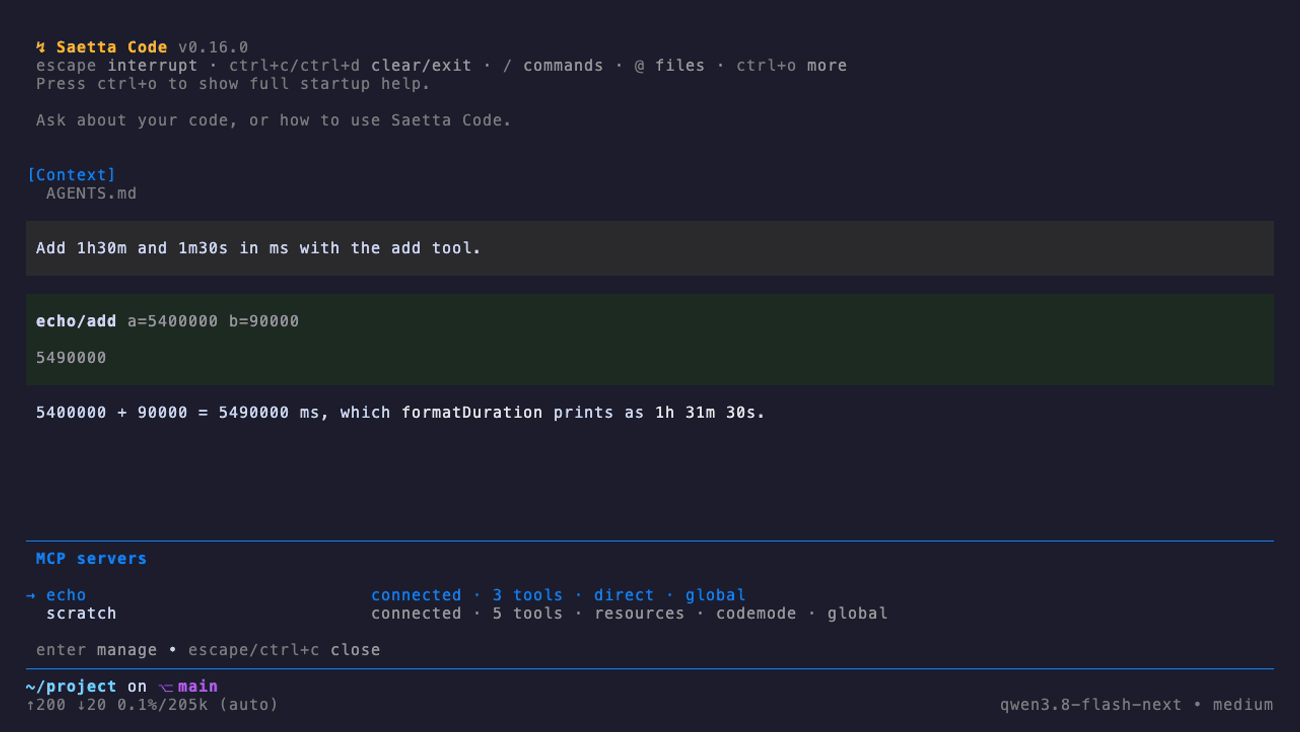
/mcp lists the servers with their state (connecting, connected, needs sign-in, failed) and tools. From it you can reconnect a server, enable or disable it, change its exposure, and sign in or out. The change is saved to the mcp.json the server came from, or as a project override.
/mcp login tracker
/mcp logout tracker
/mcp reconnect files
--no-mcp starts the agent with no MCP servers and no MCP tools. MCP servers restart when the session switches to another folder.
OAuth sign-in
An HTTP server without an Authorization header signs in with OAuth when it asks for it. The agent discovers the authorization server, registers a client (dynamic registration, or a client ID metadata document), opens the browser for the authorization code flow with PKCE, and receives the redirect on a loopback address. When the browser is on another machine, paste the redirect URL into the agent instead. Tokens are refreshed when they expire, and a server asking for more scope gets a new sign-in.
Sign-ins are stored in mcp-auth.json in the agent folder, in pi's format, so pi and Saetta Code share them.
The oauth object sets the client when a server needs it:
{
  "mcpServers": {
    "tracker": {
      "url": "https://mcp.example.com/mcp",
      "oauth": {
        "clientId": "saetta-local",
        "clientSecret": "$TRACKER_CLIENT_SECRET",
        "scope": "read write",
        "callbackPort": 33418
      }
    }
  }
}
Its other keys are pi's: clientRegistration (auto, dcr or cimd), clientName and callbackUrl.